Blog · Engineering
Optimizing Grafana Alert Routing to Reduce On‑Call Overhead
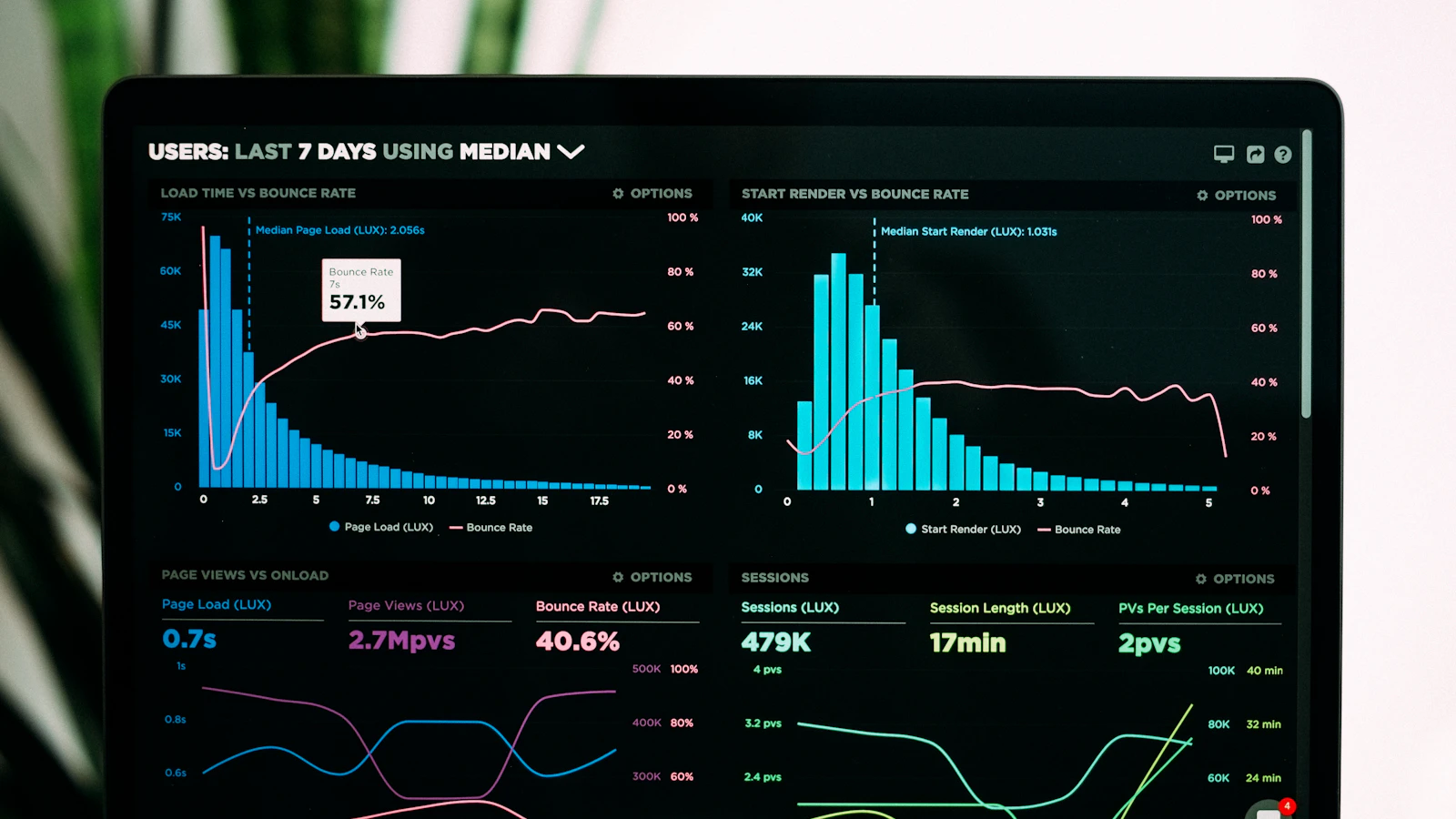
Learn how to route Grafana alerts to WakeUp Dev, use voice ACKs, and eliminate per‑seat costs with unlimited seats.
· Enrique Drack
Grafana to WakeUp Dev Webhook
When Grafana triggers an alert, the webhook payload lands on a Cloudflare Worker that forwards it to WakeUp Dev. The worker strips Grafana’s verbose metadata and sends only the essential fields to the WakeUp Dev API.
Example Cloudflare Worker
addEventListener('fetch', event => {
  event.respondWith(handleRequest(event.request))
})

async function handleRequest(request) {
  const payload = await request.json()
  const alert = {
    title: payload.title,
    description: payload.text,
    severity: payload.severity
  }
  const res = await fetch("https://api.wakeupdev.com/v1/alert", {
    method: 'POST',
    headers: {
      'Content-Type': 'application/json',
      'x-api-key': 'YOUR_API_KEY'
    },
    body: JSON.stringify(alert)
  })
  return new Response('Alert forwarded', { status: 200 })
}
Voice ACK and Unlimited Seats
WakeUp Dev routes the alert to the on‑call engineer’s phone. The engineer hears a short prompt and presses *1 to ACK*. The ACK is sent back to WakeUp Dev via a TwiML and is recorded as a resolved alert, eliminating the need for a second call or a ticket.
- No per‑seat licensing; each engineer gets a virtual seat for free.
- Unlimited seats mean you can add new team members without extra cost.
- Pay only for the voice alerts you actually make.
Cost Savings
Traditional on‑call solutions charge per seat and per alert. With WakeUp Dev, you pay a flat rate per voice alert and get unlimited seats. In a 10‑engineer team, that’s a 70% reduction in licensing fees compared to most SaaS tools.
Best Practices
- Keep the webhook payload minimal; only forward fields that the team cares about.
- Use the severity field to map to different phone numbers or escalation groups.
- Test the TwiML flow in a sandbox before deploying.
💬 SRE & DevOps Insights
What’s your biggest challenge when integrating Grafana alerts into a voice‑first on‑call workflow?
Write to administrador@wakeupdev.com or continue from the FAQ.